JeriCommerce makes it easy to add a link to download the wallet pass from email campaigns, marketing SMS, or the admin area of your shop.
Below you'll find how to create dynamic links based on the customer's email, or a simpler link for unregistered customers that makes signing up for your program easier.
In these examples, variables inside double curly braces {{variable}} need to be replaced with your actual values (including the braces).
jeri.link/ in the public URL. For example, the URL https://jeri.link/lequim/check uses lequim as its program slug.
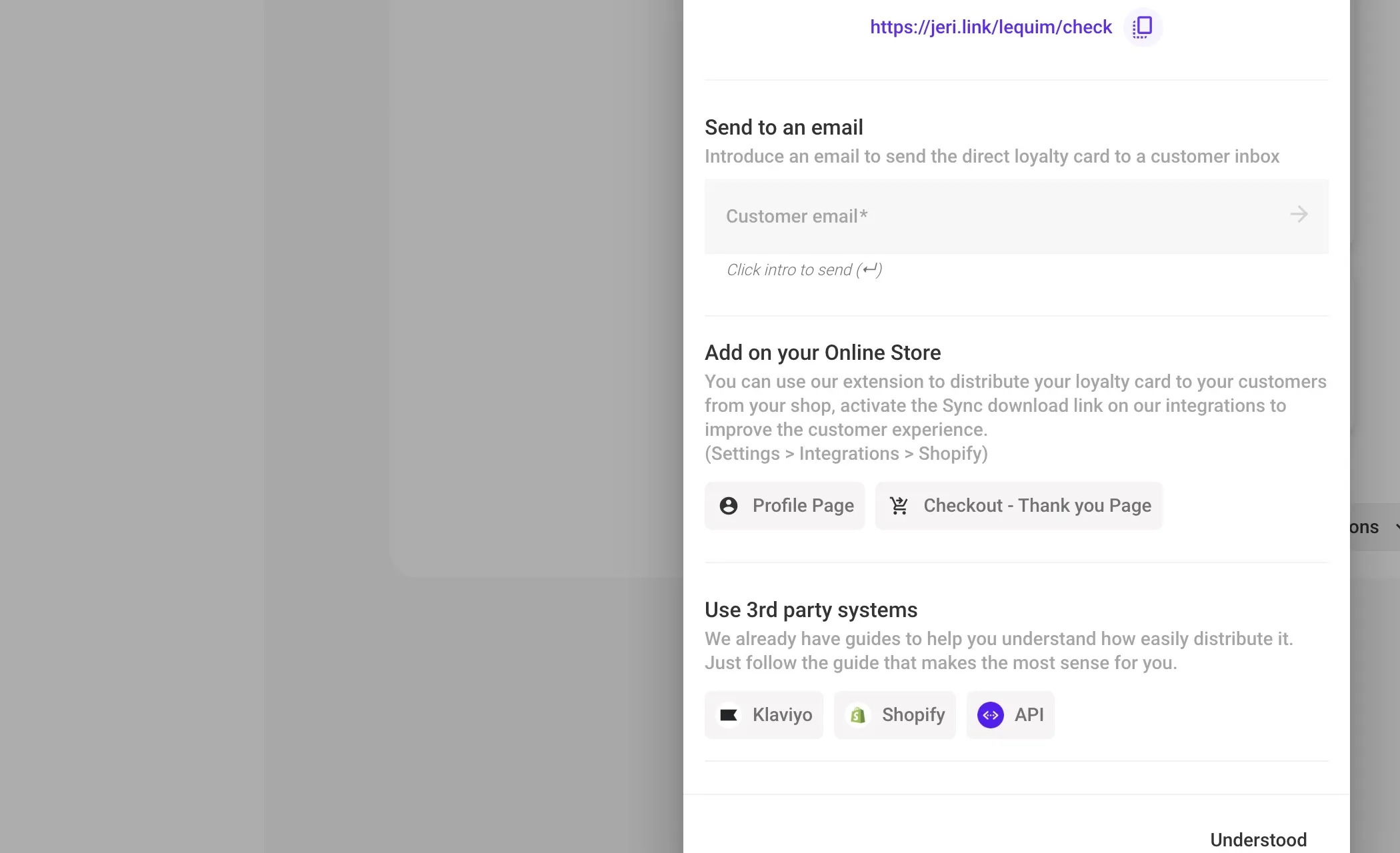
New Customers
You may or may not already know the customer's email, so there are two types of links:
Unknown Customer Email
Use this generic URL for public campaigns or to print on a QR code for your physical store.
https://jeri.link/{{program_slug}}/check
Known Customer Email
This link is useful for email promotions when you already know the customer's email. Adding it as a query parameter pre-fills the email field in the signup process.
https://jeri.link/{{program_slug}}/check?email={customer_email}
Registered Customers
Request Loyalty Card Link
When you send an email to a customer who's already in your loyalty program, you can include a direct link for them to request the loyalty card.
https://jeri.link/{{program_slug}}/send-pass?email={customer_email}
Send Email with Direct Download Link
This is the best way to distribute your loyalty card. This feature, called "Download link", is available as a Shopify meta field integration, a Shopify Flows action, a Klaviyo profile attribute, or through the API. See the details in our download links guide.
Checkout Extension
You can also distribute the loyalty card through the checkout extension — right on the order confirmation page.
See the checkout extension use case.