JeriCommerce sends all 18 customer events to Klaviyo automatically via the Events API. This means you can trigger flows, build segments, and create reports based on real-time loyalty activity. For the full list of events and their properties, see the Events reference guide.
Turn on events
Open the Klaviyo integration
Turn on the Events feature
Toggle Events on and save your changes.
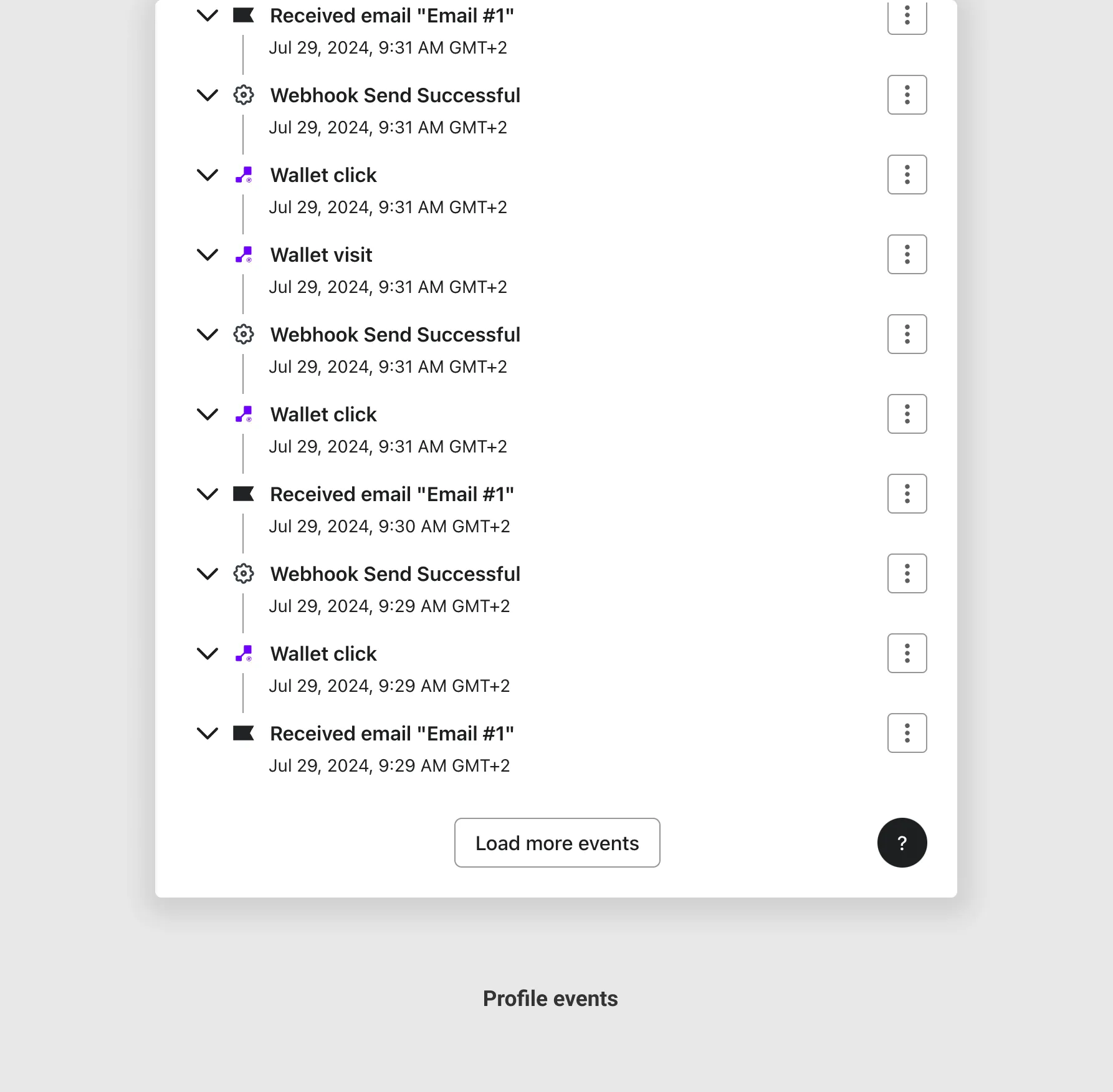
Check your Klaviyo profiles
From that moment, every customer event fires a Klaviyo Event API call attached to the customer's profile. You can see them in each profile's activity timeline.
Event metric names
Each event appears in Klaviyo as a metric with the same name listed in the Events reference guide (e.g., Balance changed, Wallet pass installed, Customer birthday). Use these names when setting up flow triggers or segment conditions in Klaviyo.
For the five JeriCommerce automatic emails, use these metrics: Customer created, Wallet pass requested, Coupon assigned, Reward redeemable, and Reward redeemed. The automatic email guide explains which properties to place in each email and when to turn off the matching JeriCommerce email.
Klaviyo event payload
Each event is sent via the Klaviyo Events API with this structure:
{
  "data": {
    "type": "event",
    "attributes": {
      "time": "2026-03-08T12:00:00Z",
      "properties": { ... },
      "metric": {
        "data": {
          "type": "metric",
          "attributes": { "name": "Balance changed" }
        }
      },
      "profile": {
        "data": {
          "type": "profile",
          "attributes": { "email": "customer@example.com" }
        }
      }
    },
    "unique_id": "event-uuid"
  }
}
The metric.name field matches the event names from the reference guide — use these when setting up Klaviyo flow triggers or segment conditions.
Synced custom profile fields
In addition to events, JeriCommerce syncs these custom fields to each Klaviyo profile automatically:
| Field name | Format | Description |
|---|---|---|
balance |
Number | Current loyalty points balance |
birthdate |
yyyy-MM-dd |
Customer's date of birth |
tier-name |
String | Current tier name |
tier-balance |
Number | Points counting toward tier status |
tier-entered-at |
yyyy-MM-dd |
Date the customer entered the current tier |
tier-expires-at |
yyyy-MM-dd |
Date the tier status will be recalculated |
jericommerce_download_wallet_pass_url |
URL | Universal link for downloading the wallet pass |