Sometimes you need to adjust a customer's points manually — whether it's a goodwill gesture, a correction, or a bonus. You can do this from the admin app, or through your connected platforms.
From the Admin App
1
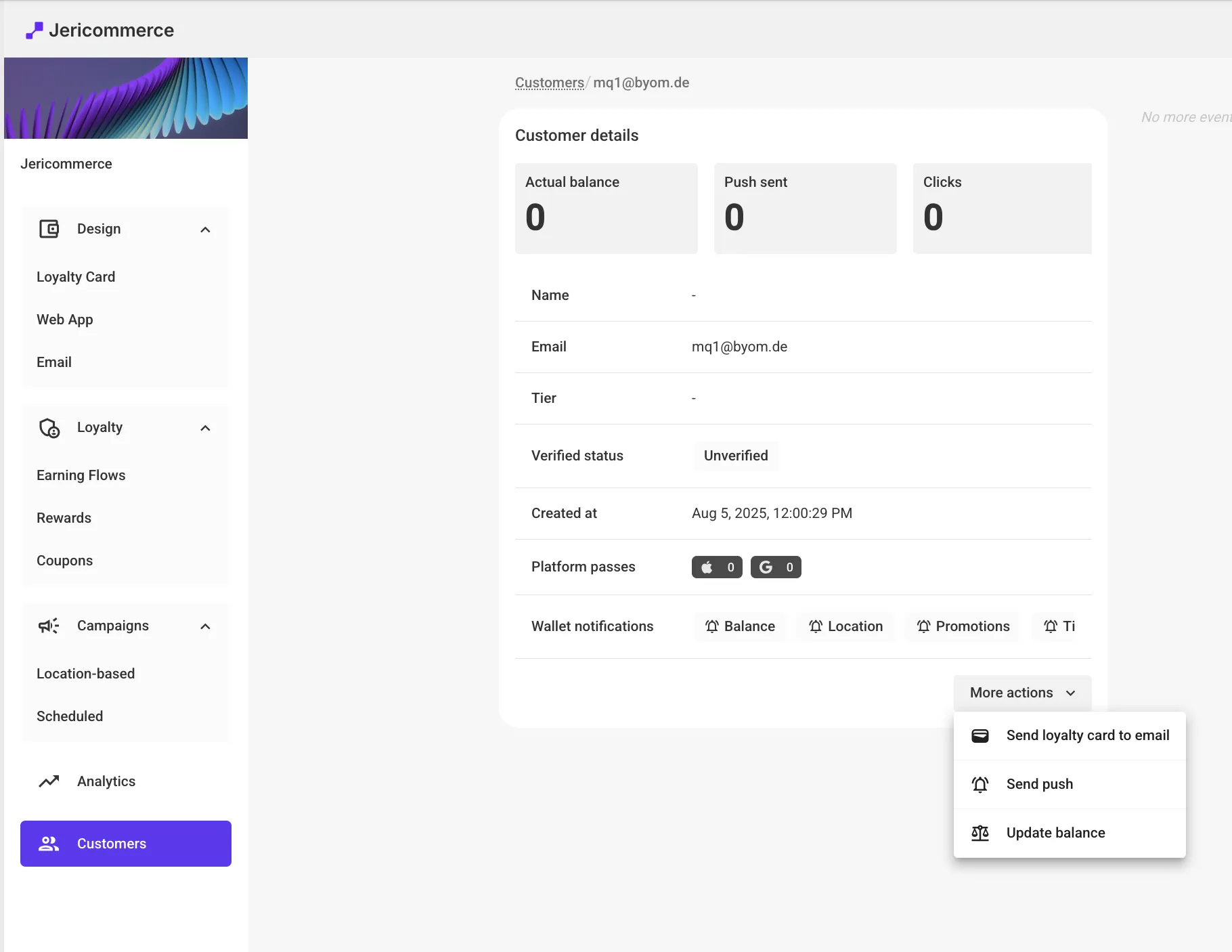
Open the customer profile
Go to JeriCommerce → Customers and find the customer.
2
Click Change Balance
Click the Change Balance link next to the points display.
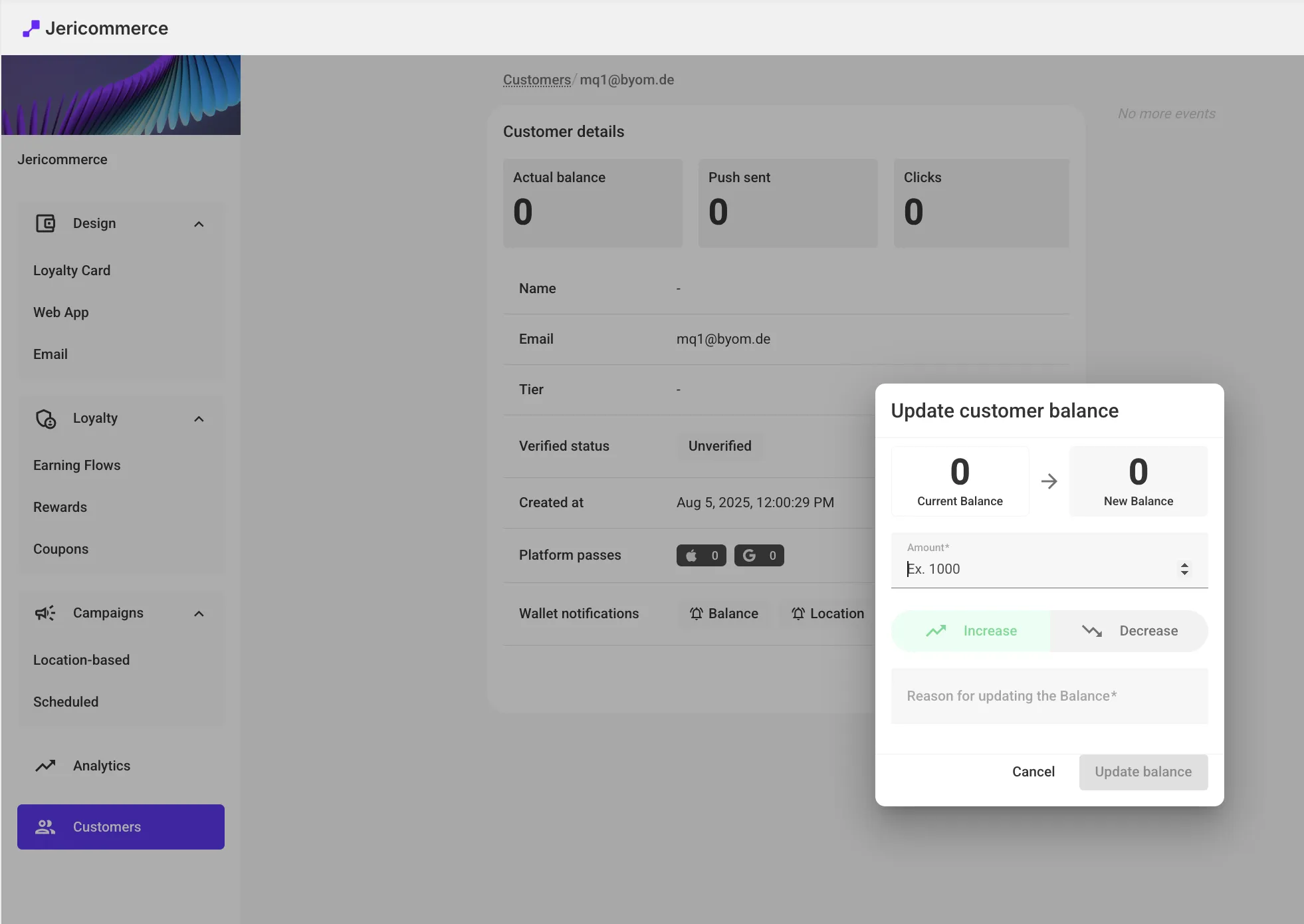
3
Adjust and save
Enter the amount to add or remove, include a reason for your records, and save.
Platform-Specific Guides
Adjust Balance from Shopify
Use Shopify Flows to automate balance changes, or adjust points in person from Shopify POS.
Adjust Balance from Klaviyo
Use webhook actions in Klaviyo flows to increase or decrease points automatically.
Webhook Builder
Generate the webhook configuration for balance changes — ready to paste into Klaviyo.