JeriCommerce offers a built-in integration to connect your Klaviyo account. The connection uses OAuth, which lets both platforms communicate securely without sharing passwords.
How to connect Klaviyo
Open the Klaviyo integration
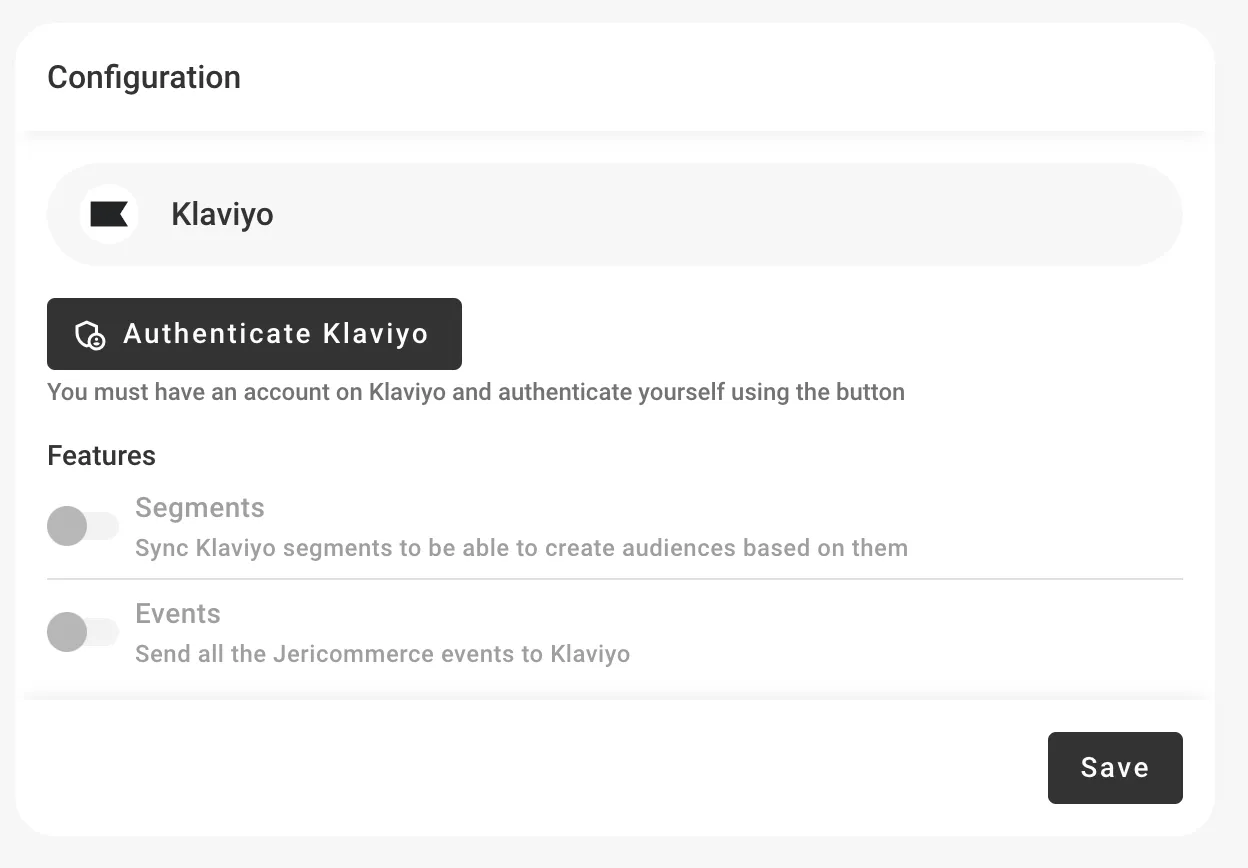
In the JeriCommerce admin, go to Settings > Integrations > Klaviyo.
Authorize access
Click Authenticate Klaviyo to start the OAuth flow. You'll be redirected to Klaviyo to grant access to your account.
Turn on the features you need
After connecting, you can turn on three modules:
- Events — Sync wallet events to Klaviyo profiles for flow triggers and segmentation
- Segments — Sync Klaviyo segments to JeriCommerce for targeted campaigns
- Custom Fields — Sync customer properties (balance, tier, download URL) to Klaviyo profiles
To replace JeriCommerce's automatic emails with Klaviyo, Events is required and Custom Fields is recommended for loyalty data and reusable profile properties. Segments is optional for email flows. Follow Send Automatic Emails from Klaviyo for the complete setup and event mapping.
Disconnect the integration
If you need to remove the connection, go to Settings > Integrations > Klaviyo and click More options > Uninstall app.