Offer unique discount codes through your rewards, coupons, and gift cards. You can link a Shopify discount or upload your own codes via CSV — JeriCommerce assigns a unique code to each customer automatically.
Shopify Discounts
Create a discount directly from JeriCommerce that generates codes in your Shopify store.
Create the discount
Choose the code format, discount type, minimum purchase requirement, and other options.
Link it to a reward, coupon, or gift card
JeriCommerce assigns a unique code from this discount to each customer who redeems.
Manage in Shopify
The discount and its generated codes appear in Shopify Admin → Discounts. You can modify the discount there at any time — JeriCommerce continues working with it.
Upload CSV Codes
Use your own codes from any source — partner promotions, hotel night discounts, third-party platforms — by uploading a CSV file.
Prepare your CSV
Include a column with unique codes.
Upload and select the codes column
Upload the file and pick the column that contains your unique codes.
Add discount details
Fill in the optional fields so customers see what the code is for when they redeem.
Remove Unclaimed Codes
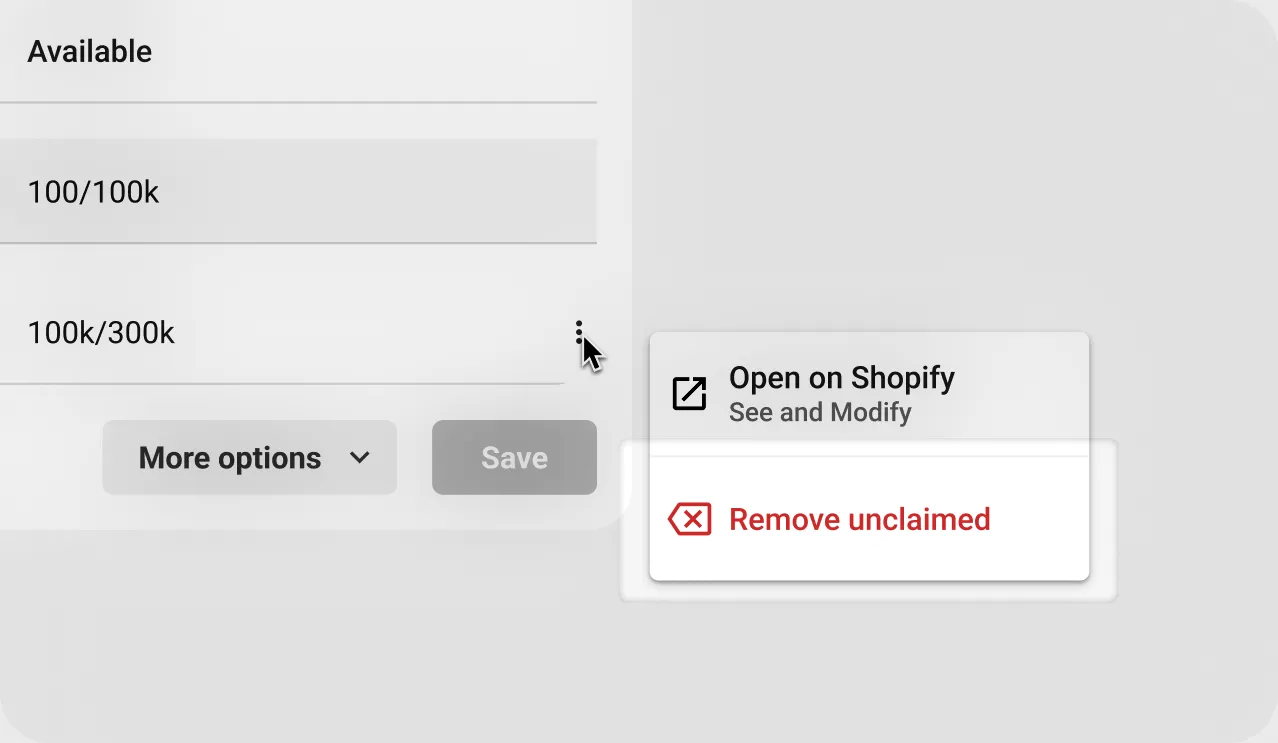
Need to stop distributing codes from a specific import? Click the three-dot menu on the import and choose Remove unclaimed.
This removes all unused codes from that import. If the import has auto-recharge, it also deactivates that feature.