If your customers speak different languages, you can translate the sections on the back of your loyalty card so each customer sees content in their preferred language. JeriCommerce supports English, Spanish, German, French, and Italian.
Translated sections appear automatically on both Apple Wallet and Google Wallet passes based on the customer's device language.
Set up your program languages
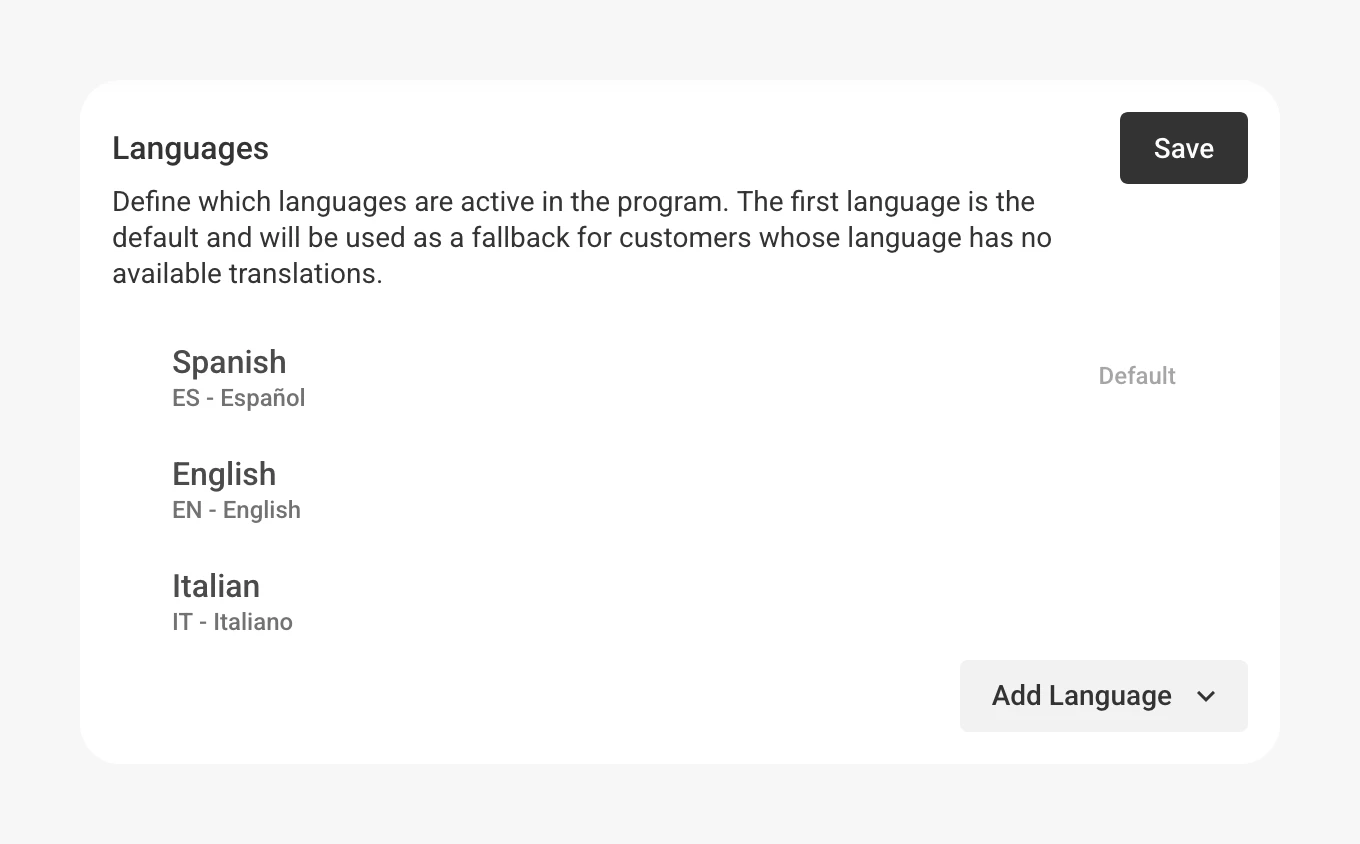
Before you can translate sections, you need to add languages to your program. The first language in the list is your default — the one customers see when no translation is available for their language.
Translate wallet sections
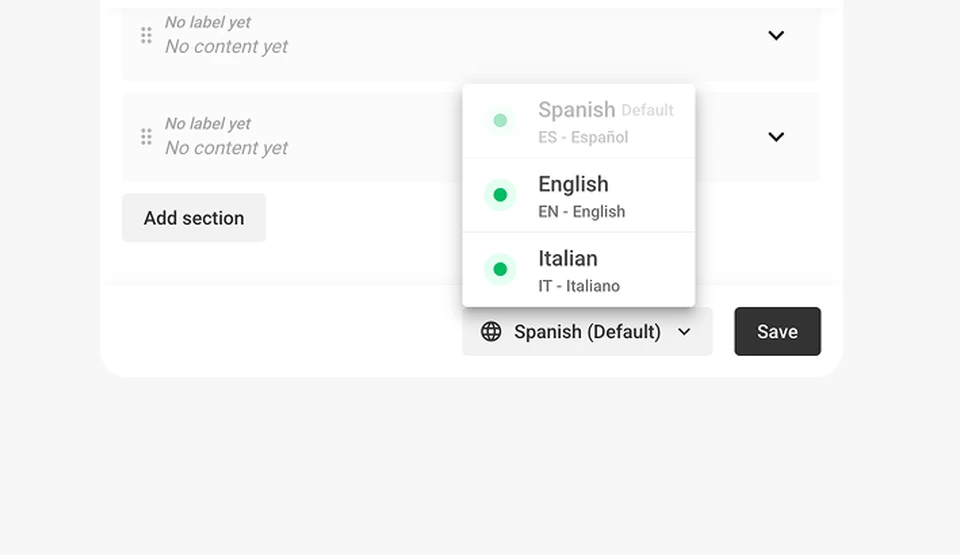
Once you've added at least two languages, a language picker appears in the wallet editor toolbar.
Auto-translate missing sections
When you save wallet sections and some languages are still missing translations, JeriCommerce offers to auto-translate them for you.
How translations reach customers
Translated sections appear on wallet passes based on the customer's device language:
- Google Wallet — Uses localized headers and body text. Google automatically shows the version that matches the customer's phone language.
- Apple Wallet — Receives translated section content based on the customer's locale.
If a customer's device language doesn't match any of your translations, they see the content in your default language.