All the API endpoints are secured by a token included in the header. Otherwise, the API will return a 401 error.
Get API Key
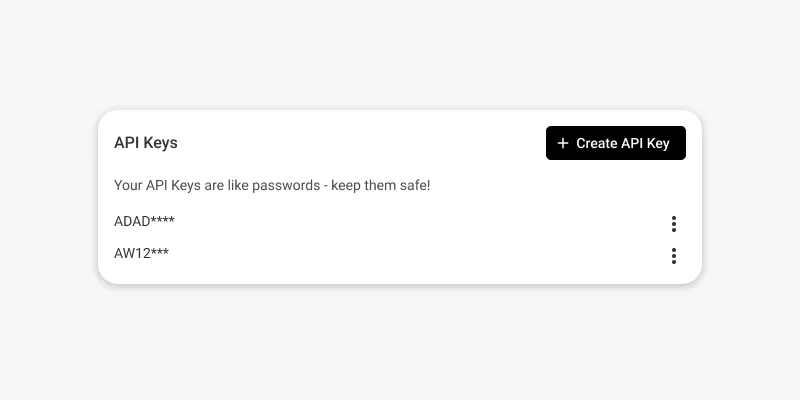
To get an API key, go to the admin area, navigate to Settings > Technical, and click "Add API Key." Then, copy the generated token. Be sure to copy the token from the modal, as it can only be accessed at that moment.
Include Token on API Requests
To access the API endpoints, include the API key obtained in the previous step as the value of the api-key header.
Here is an example using cURL.
1curl --request GET \
2 --url https://api.jericommerce.com/v1/programs/{{program_id}}/integrations/api \
3 --header 'Content-Type: application/json' \
4 --header 'api-key: {{ apiKey }}' \
5 --data '[]'