You can adjust a customer's loyalty balance directly from Shopify — either through automated flows or in person at the register.
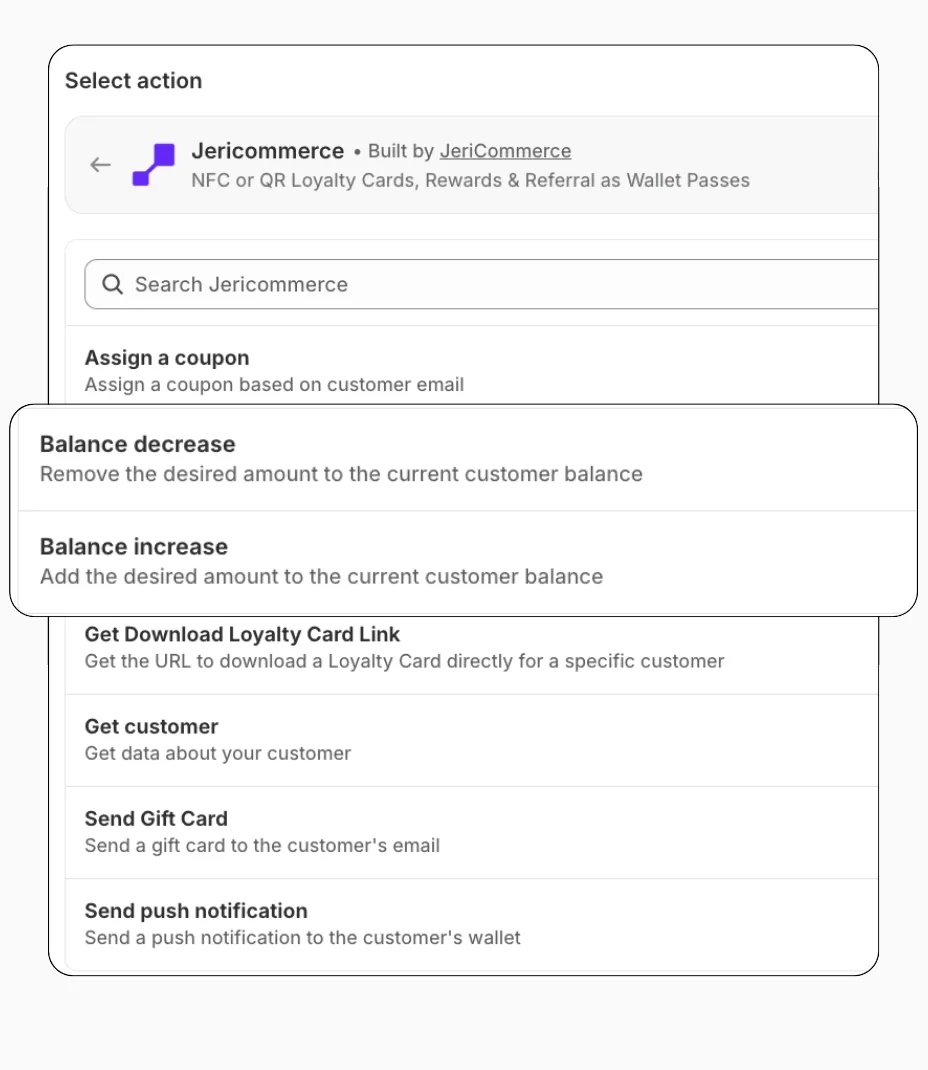
From Shopify Flows
Use the Increase Balance and Decrease Balance actions from JeriCommerce in any Shopify Flow. You only need three inputs:
- Customer email — identifies the customer
- Balance amount — always a positive number (the action determines add or subtract)
- Reason — a note explaining the change
These actions work with both JeriCommerce's built-in loyalty and the LoyaltyLion integration.
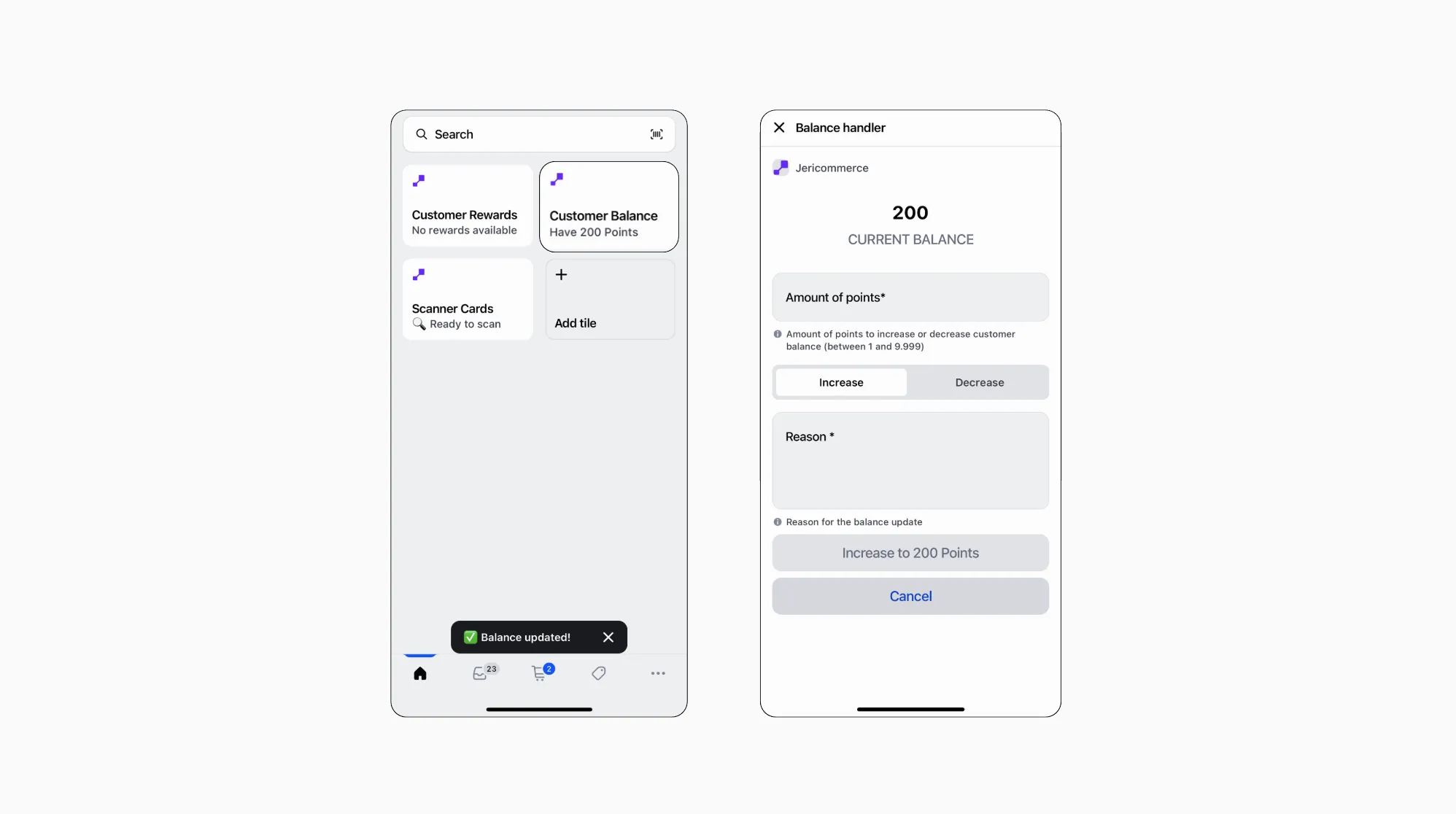
From Shopify POS
Adjust balances on the spot from the register by installing the Loyalty tile from the JeriCommerce app.
Balance changes from POS apply immediately — they do not wait for the order to be completed.