The web app linked to the wallet pass allows your customers to manage their loyalty program easily from their mobile devices. From there, they can check their balance, see available earning flows, redeem rewards, view coupons, and track their orders — all in one place.
Access
The web app is directly connected to the customer’s wallet pass.
To open it:
- Go to the back of the wallet pass (on iOS or Android).
- Tap “View my profile,” “See my rewards,” “Coupons,” or any labeled link.
- The web app will open in the browser, showing the customer’s personalized account view.
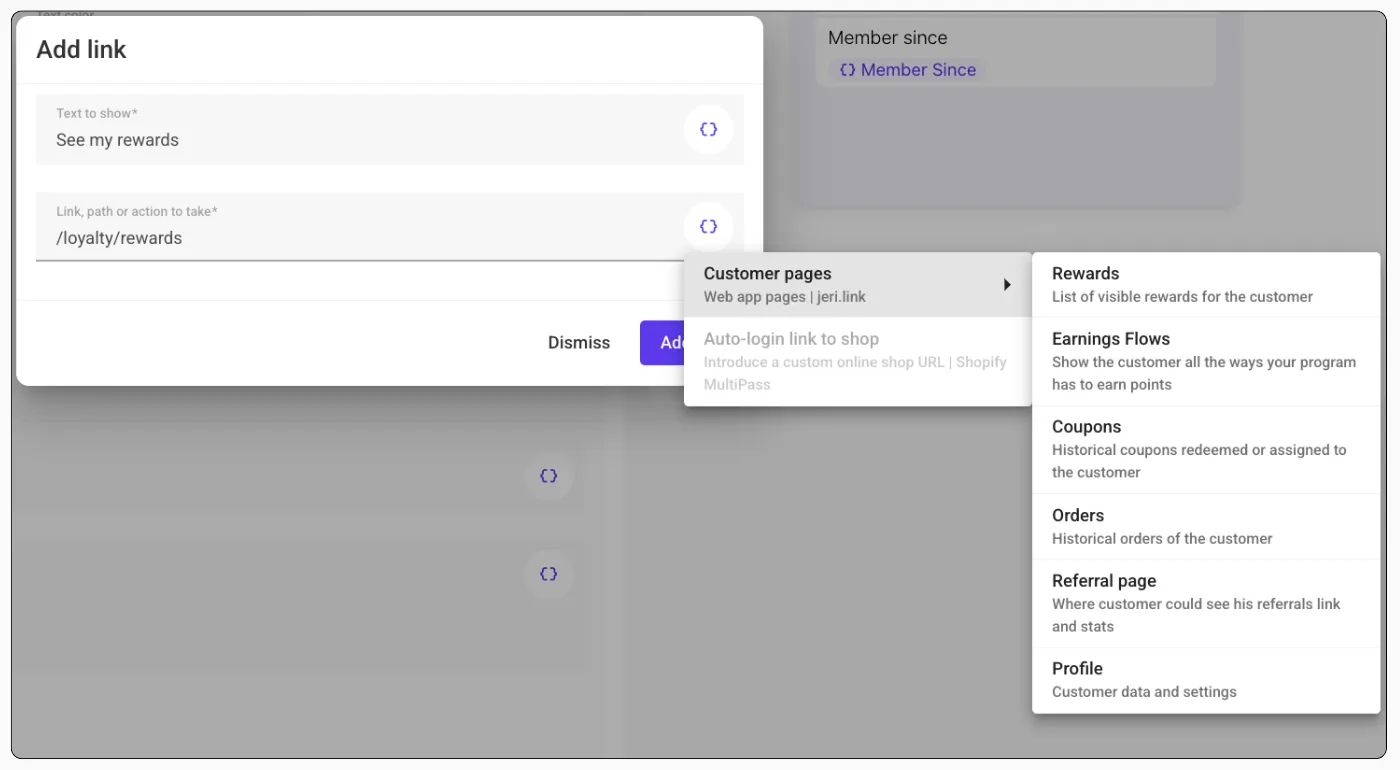
You can link the following direct accesses from the wallet pass:
- Rewards
- Earning Flows
- Coupons
- Orders
- Referral Page
- Profile
No login is required. Access is securely linked to the customer’s account.
 JeriCommerce > Design > Back of the Wallet Sections